By Lizzie Knott
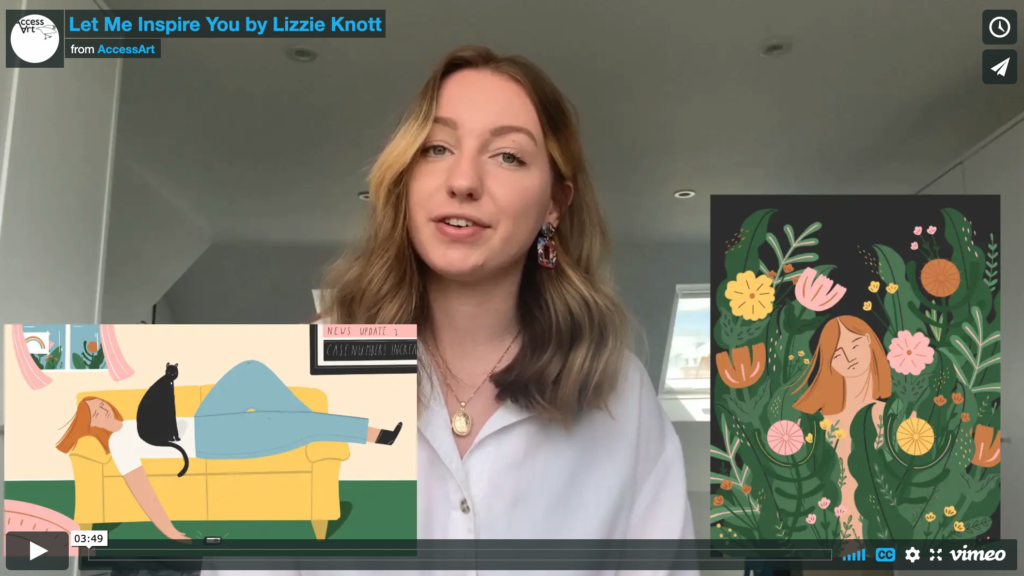
Lizzie is an illustrator and part of her practice involves making gifs to bring to life issues which she cares strongly about. As part of the DrawAble series of resources for learning at home or school, this resource inspires children and teenagers to make their own gifs – including a paper version for those who don’t have access to digital.
Notes for Teachers
What is the aim of this exercise?
This drawing project is one of a series of projects presented by DrawAble to provide children and young teenagers with new ways to create and tell their stories.
This resource encourages children and young teenagers to express themselves through making animated GIFs. Children and teenagers will be authors of their own short animations about all things that matter to them, therefore creating a sense of ownership of the creative process and outcome.
What age can this exercise be used with?
This exercise is best suited for slightly older children (ages 9-13).
How long does this exercise take?
This exercise will take from 30 minutes up to 2 hours, depending on the complexity of children’s GIFs and the number of pages/layers they would like to include. If children create their GIFs digitally, it may take them a little while to familiarise themselves with GIMP.
How do I measure success?
Success is measured by the children’s involvement in the process and their engagement and enjoyment.
More able/engaged children may become more proficient in using digital drawing. They may want to create more complicated animations.
Try to encourage risk-taking and experimenting with their drawing, and let children choose the themes that they feel strongly about/can relate to.
What can we try after this exercise?
The resource links well to Computer Science/ICT and you may want to encourage children to try digital programs and apps such as Pixlr Editor or Procreate.
Try other DrawAble exercises and projects.
Which artists might we look at?
You may also want to look at Lizzie’s Instagram account.
Introduction
As an illustrator, I use GIFs to bring my 2D drawings to life. This involves drawing what I love and then choosing parts of it to animate. They’re really fun and super simple. In particular, I enjoy drawing flowers, people, and highlighting important topics, such as mental health. Turning these drawings into GIFs can make these subjects really stand out. It gives us a simple animation which loops and my technique involves drawing different frames to create movement.
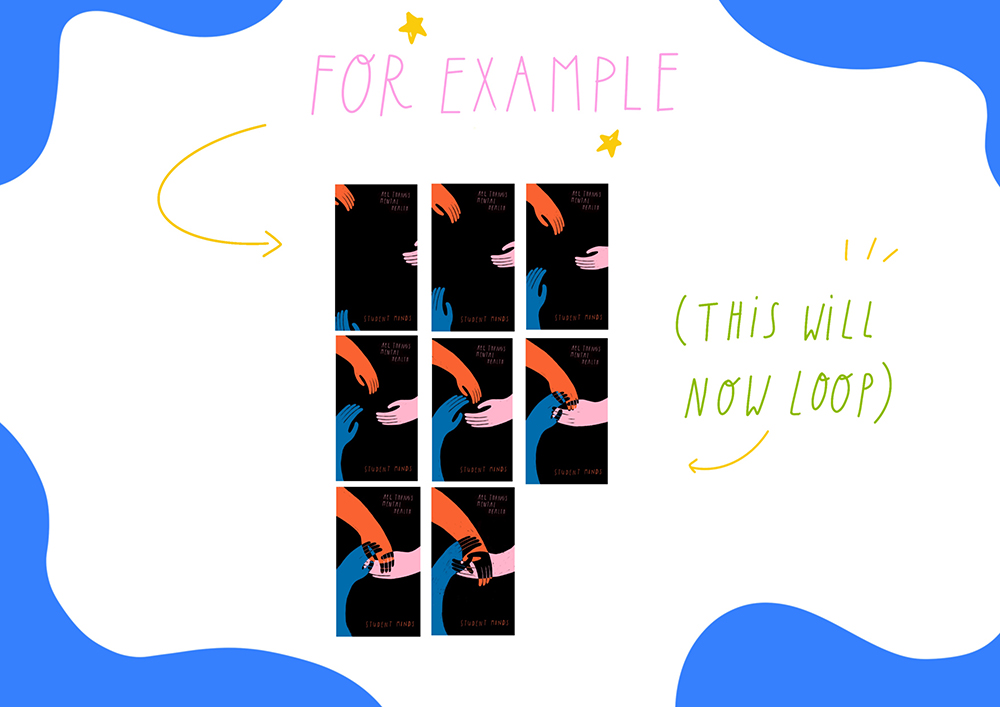
In this resource, I’m going to show you just how to do that. And you can make it as simple or as complex as you like, depending on how many frames you’d like to add. For example, I illustrate for podcast called All Things Mental Health, and to make the Instagram come to life, I make GIFs out of the artwork just like this:
Choosing a theme
I challenge you to find something which inspires you. What’s your favourite sport? Or are you passionate about global topics, such as recycling and pollution? Maybe you miss a friend and want to make them come to life through drawing, or you want to see your pet move around?
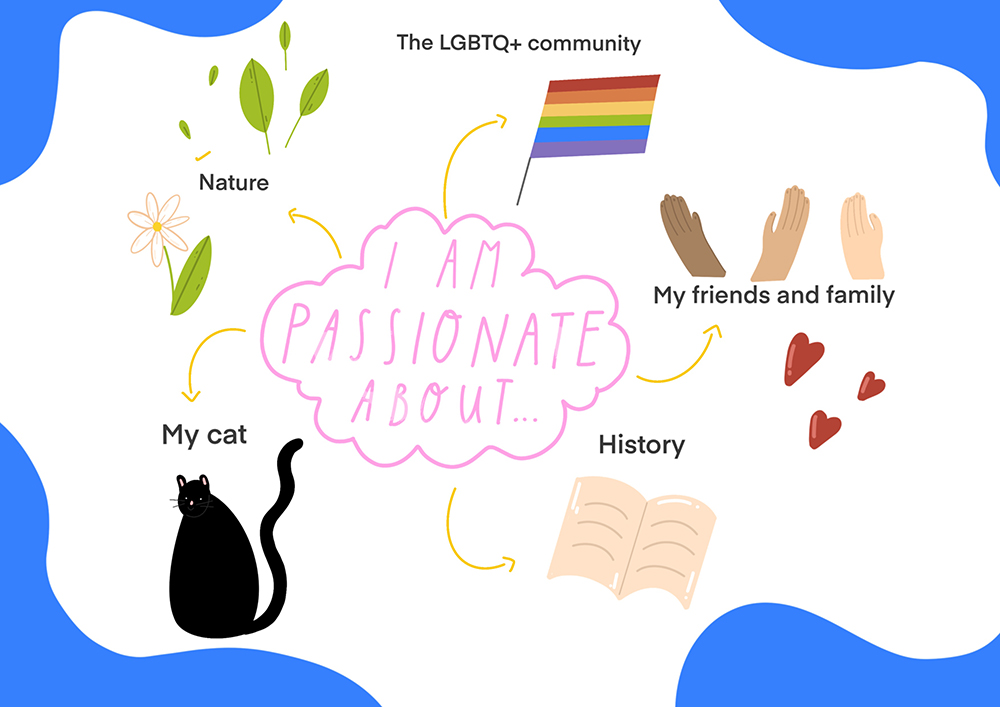
Now, visualize this. Think about these things that make you happy or what you’re passionate about. Share as much as you can to visualize these passions. Think to yourself, “what do I want to communicate?” Here’s an example of what I’m passionate about:
Turning your drawings into a GIF
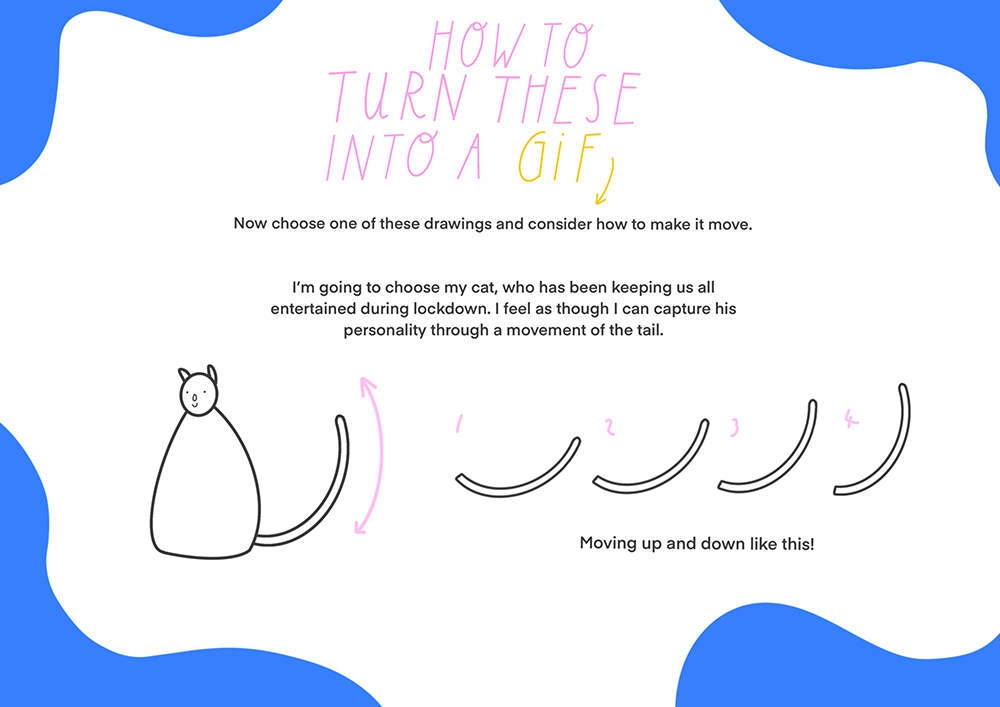
I am now going to demonstrate how I create a GIF of a cat, with its tail moving.
Making a GIF on paper
If you have a notepad or a pile of paper, you can make a paper GIF, as shown below:
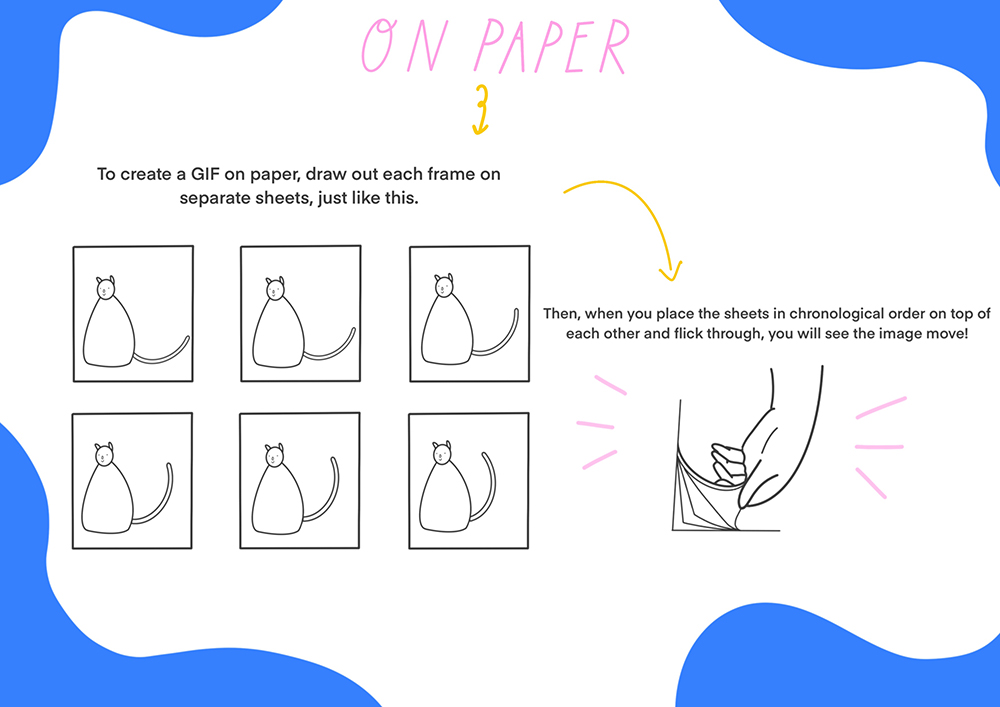
Making a GIF digitally
To make a GIF digitally, you will need to download the software GIMP, which is free to download and use. Scan in, or take good quality pictures of each frame that you have drawn out. Make sure that all you can see in the photographs are your drawings and then a consistent plain background.
Start up GIMP, and open up your first layer or frame. You will notice that a dialogue panel opens up on the side of the page, which shows all of your layers. Think of these as the separate pages of your flick-through paper animation.
Then to open up each frame as a separate layer, click File and open as layers, and do this one by one until all of the layers are uploaded. Make sure that the layers are in the order that you’d like them in.
When you’re happy with the order, click File>Save as, and then GIF. GIMP will ask you if you want to save it as an animation. Click Yes. You can also change the frame rate to make the GIF move faster or slower.
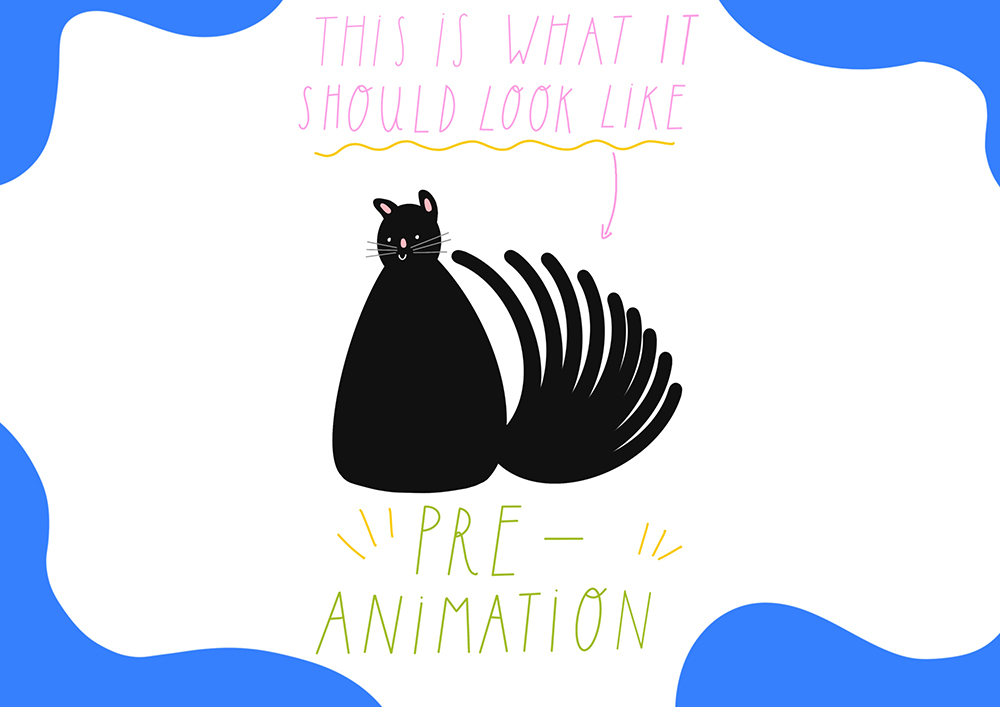
Here is the finished GIF animation – hope you like it!
This is a sample of a resource created by UK Charity AccessArt. We have over 1500 resources to help develop and inspire your creative thinking, practice and teaching.
AccessArt welcomes artists, educators, teachers and parents both in the UK and overseas.
We believe everyone has the right to be creative and by working together and sharing ideas we can enable everyone to reach their creative potential.
See This Resource Used in Schools…
You May Also Like…
Pathway: Music and art
Mark Making & Sound: Part One
Mark Making & Sound: Part Two
You May Also Like…
Pathway: Music and art
Mark Making & Sound: Part One
Mark Making & Sound: Part Three
You May Also Like…
Pathway: Music and art
Mark Making & Sound: Part Two
Mark Making & Sound: Part Three
Drawing to a Slow Rhythm
Inspired by Miro
Drawing to Music
You May Also Like…
Pathway: Exploring the world though mono print
Drawing Large
You May Also Like…
Pathway: Exploring the world though mono print
Drawing Large
Drawing small
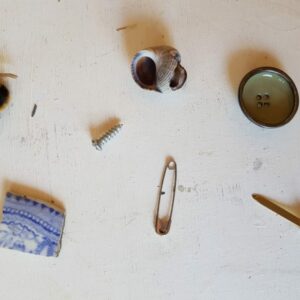
A collection of imagery and sources which you can use to prompt drawing in schools and community groups.
Please note that this page contains links to external websites and has videos from external websites embedded. At the time of creating, AccessArt checked all links to ensure content is appropriate for teachers to access. However external websites and videos are updated and that is beyond our control.
Please let us know if you find a 404 link, or if you feel content is no longer appropriate.
We strongly recommend as part of good teaching practice that teachers watch all videos and visit all websites before sharing with a class. On occasion there may be elements of a video you would prefer not to show to your class and it is the teacher’s responsibility to ensure content is appropriate. Many thanks.
These resources are free to access and are not a part of AccessArt Membership.

Athletes
Use this collection of films as source material for pupils exploring the human form during sports. In the first instance you might want to pause the videos as suitable points to enable the children to carefully look at the main forms and details. Try to create a sense of momentum – for example you might pause the video 4 times and ask the pupils to make a 1 minute, 2 minute, 3 minute and 4 minute drawing at each pause.
Encourage close and slow looking by talking as they draw – use your voice to attract their attention to features of the athletes.
When pupils are more experienced, you can also try getting them to make their drawings as the videos play – making quick gestural sketches.
You May Also Like…
AccessArt Olympics Resources
Visual Notes
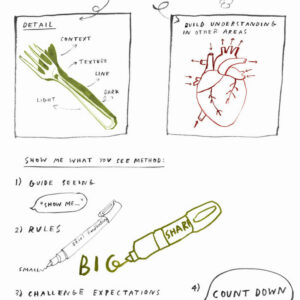
Show me what you see
You May Also Like…
Pathway: Exploring the world though mono print
Pathway: Exploring Shape and Colour
Explore Video enabled printmaking resources
See This Resource Used In Schools…
You May Also Like…
Pathway: Typography and Maps
Talking Points: What is typography?
Talking Points: Louise Fili